
On the Peugeot 2008, turning off the radio without shutting down the touchscreen remains a maneuver that confuses many drivers. The i-Connect multimedia system (or Connect Nav depending on the versions) does not offer a dedicated physical button for turning off just the audio source. The interface logic relies on nested menus and a volume button that also serves as a power on/off control, which creates recurring confusion between muting the sound and turning off the source.
Peugeot 2008: why the volume button doesn’t really turn off the radio
The rotary knob located to the left of the touchscreen serves two simultaneous functions: adjusting the volume and, with a long press, turning off or turning on the entire multimedia system. A short press on this same button activates the mute mode, which silences the sound without disabling the radio source.
The difference is significant. In mute mode, the radio continues to receive the FM or DAB signal, and the multimedia unit remains active exactly the same way as if the music were playing. The official user guide (e-Guide 2008 P24, updated in 2024) confirms that muting the sound via Mute has no impact on power consumption after turning off the ignition, as the BSI (intelligent service box) manages the automatic shutdown according to a predefined sleep cycle.
Drivers looking to find out how to turn off the radio on a Peugeot 2008 generally want to keep the screen on for navigation or vehicle settings while removing the audio source. This distinction is not trivial on the Peugeot system.
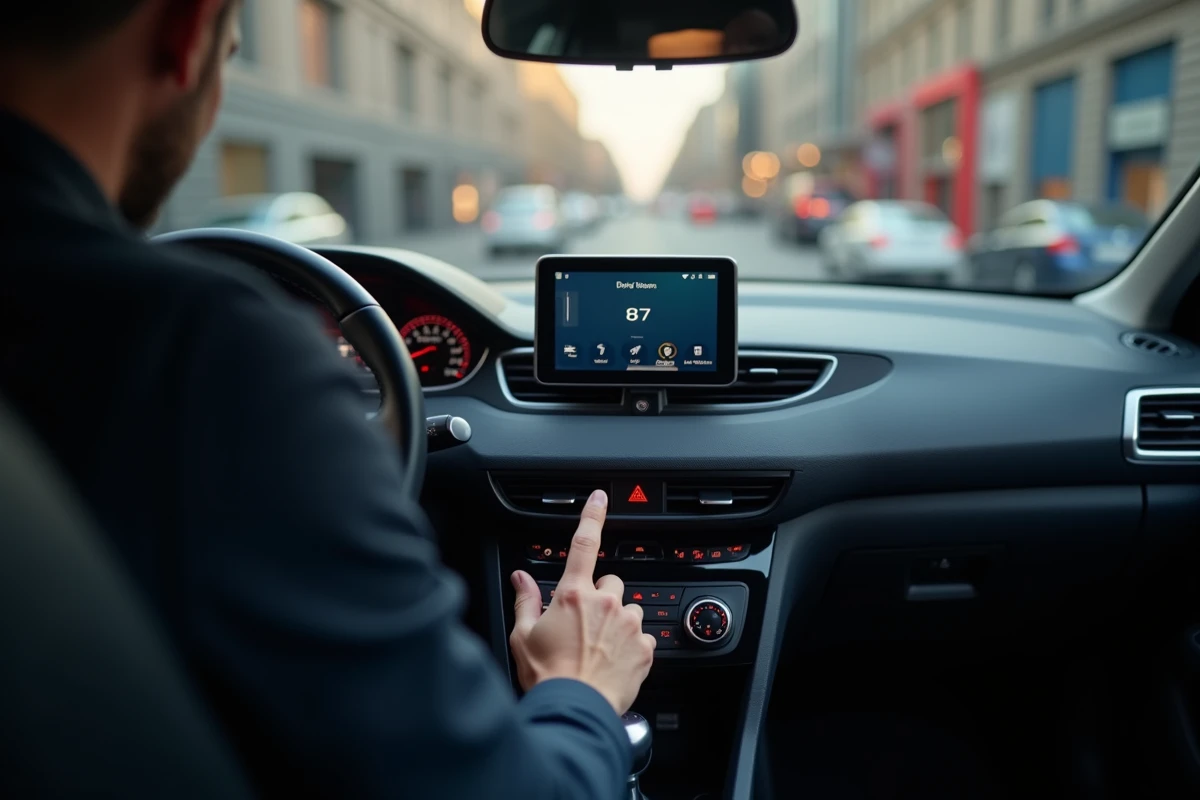
Turning off the audio source without shutting down the touchscreen on the i-Connect system
The most direct method involves the touchscreen itself. On the i-Connect system of Peugeot 2008s produced from 2020, the manipulation follows a precise logic.
- Press the “Media” or “Radio” icon displayed on the home screen to access the active source
- Then select an empty or nonexistent source (for example, switch to the USB input while no device is connected) so that the system emits no sound
- On some firmware versions, a long press on the active source icon directly disables it, returning the screen to navigation or dashboard mode without audio
This “empty source” trick works because the system cannot play a missing media. Switching to USB without a connected device cuts off audio playback while keeping the screen, navigation, and other functions accessible.
The case of the steering wheel controls
The steering wheel buttons of the Peugeot 2008 allow changing stations and adjusting the volume, but no combination allows turning off the radio source. The Mute button on the steering wheel (when it exists depending on the trim) only temporarily silences the sound. As soon as you touch the volume or change the station, the sound returns.
Feedback from Peugeot workshops in France and Belgium since 2023 has reported an increase in requests to reconfigure the default media at startup. Many customers want the system to resume the last used source (Bluetooth, USB, or silence) rather than systematically restarting the FM radio.
Volume bug on restart: the firmware update that fixes the issue
A well-documented malfunction on Peugeot forums concerns the volume that automatically increases after restarting the vehicle. The driver mutes the sound before leaving the car, but on the next startup, the radio resumes at a higher volume level than left.
This bug originates from the NAC (Connected Audio Navigation) system and has been corrected by the OTA updates deployed by the Peugeot network since late 2022. The release notes for the NAC Wave 4 (v.44.x) explicitly mention an improvement in audio state management between two ignition cycles. After this update, the system correctly remembers the volume level and the state of the source at the time of shutdown.
To check if your Peugeot 2008 has the latest firmware version, navigate through the Settings menu, then System, then System Information on the touchscreen. If the displayed version is earlier than wave 44, a visit to the dealership allows for a forced update.

Customizing the default source at startup of the Peugeot 2008
The multimedia system of the Peugeot 2008 does not natively offer a “no source at startup” setting in its menus. However, the behavior of the system can be influenced by the last active source before shutdown.
If you turn off the ignition while the active source is Bluetooth without a connected device, or the AUX input without a cable plugged in, the system will resume this silent source on the next startup. The radio will not restart if it was not the last selected source.
Dealership intervention to modify factory settings
Peugeot technicians have a diagnostic tool (DiagBox) that allows access to parameters not accessible from the touchscreen. Since 2023, internal technical notes within the network mention the possibility of modifying the default media behavior at startup. This reconfiguration is not uniformly charged across dealerships, and field feedback varies on the durability of the setting after a subsequent firmware update.
- Reconfiguration via DiagBox allows setting the last used source as the default source
- Some dealerships offer this intervention during a regular service without extra cost
- The setting can be reset during an OTA update, requiring a return to the workshop
The multimedia system of the Peugeot 2008 was not designed to offer a native silent mode at startup. Solutions involve either the empty source trick or a technical intervention at the dealership. Checking the firmware version remains the first reflex before any other manipulation, as several bugs related to audio management have been fixed by recent updates.